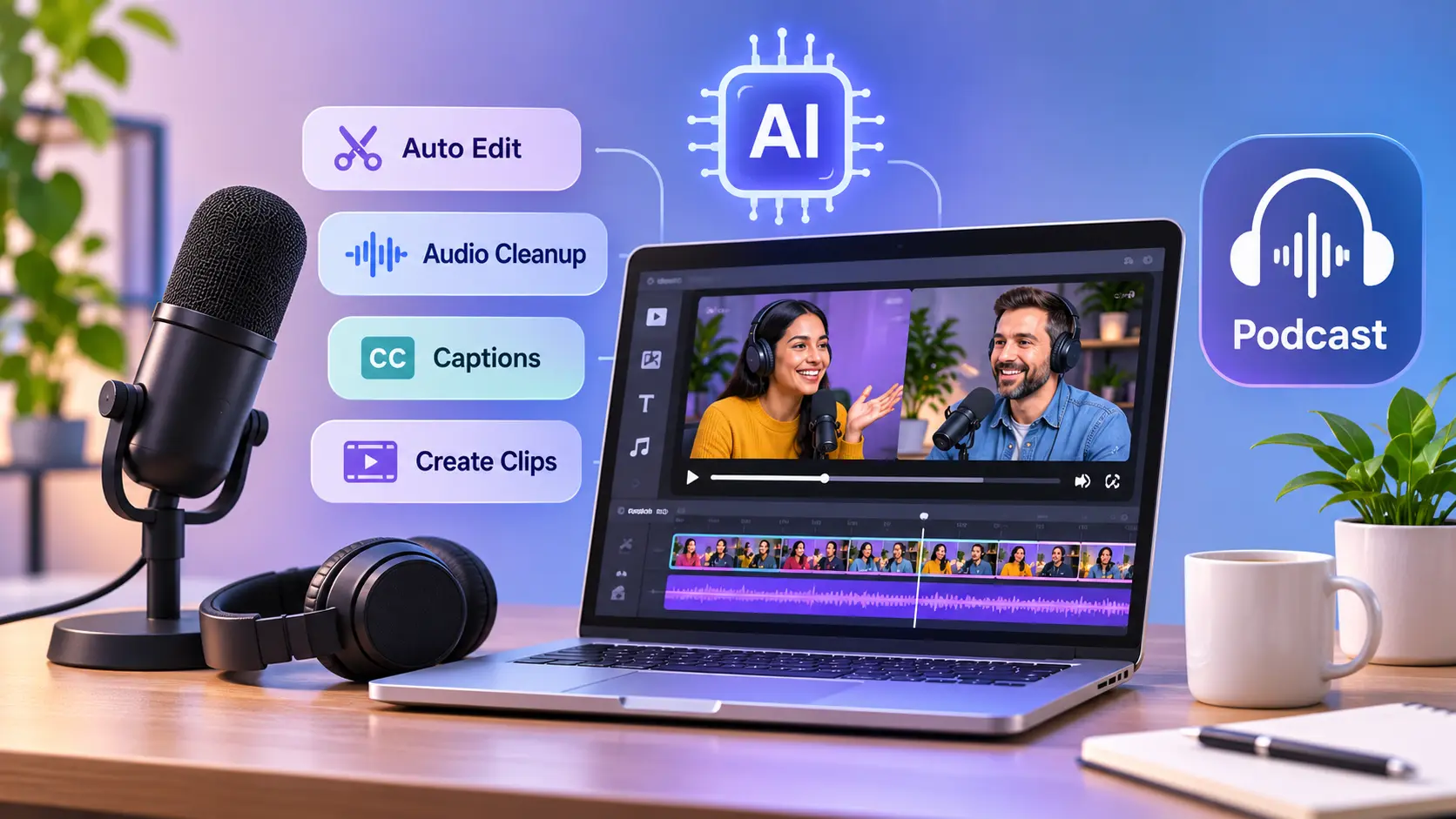
Podcasts give small businesses a way to share knowledge, answer customer questions, and connect with their audience. A business owner can discuss industry trends, interview experts, or explain common problems through regular episodes.
However, producing a podcast involves more than recording a conversation. Removing mistakes, improving sound quality, editing camera angles, and preparing promotional clips can take considerable time.
Artificial intelligence is making these tasks easier. AI-powered tools can clean up recordings, organize conversations, prepare rough cuts, and turn longer episodes into shorter videos.
This allows small businesses to spend less time on repetitive editing tasks and more time creating useful content.
What Is AI-Powered Podcast Production?
AI-powered podcast production involves using artificial intelligence to assist with different stages of creating and editing podcast episodes.
Instead of manually reviewing every recording, creators can assign certain tasks to AI tools.
These tasks include:
- Removing background noise and unwanted pauses.
- Improving voice clarity and balancing audio levels.
- Synchronizing recordings from multiple cameras.
- Creating transcripts and captions.
- Preparing rough cuts and short promotional clips.
- Organizing content for different publishing platforms.
AI does not replace good conversations or creative decisions. It helps reduce the manual work involved in producing polished episodes.
Why Is AI Useful for Small Business Podcasts?
1. Reduces Editing Time
Editing a long interview often involves reviewing recordings, removing mistakes, and adjusting the conversation's pacing.
AI tools can help identify unnecessary pauses, repeated sentences, and sections that need attention.
Creators can then review the suggested changes rather than editing everything manually.
2. Improves Sound Quality
Small businesses often record podcasts in offices, meeting rooms, or home studios.
These environments may introduce background noise, uneven volume, or distracting sounds.
AI-powered audio cleanup can improve voice clarity and make recordings more comfortable to listen to.
3. Creates More Marketing Content
One podcast episode can become a full YouTube video, several short clips, and educational social media posts.
This helps businesses share useful ideas across different channels without arranging separate recordings.
Hooks Tech's article on digital marketing trends in 2026 also highlights the growing importance of AI-powered marketing and short-form content.
4. Makes Podcasting More Accessible
Small businesses may not have professional editing teams or dedicated production studios.
Browser-based tools with AI assistance make many everyday editing tasks easier to manage.
Business owners can begin with simple equipment and improve their workflow as their podcast grows.
How Can Small Businesses Create Podcasts With AI?
Step 1: Choose a Relevant Topic
Start with a subject that addresses customer interests.
A marketing agency might discuss SEO, while an e-commerce business could share product advice or industry insights.
Step 2: Prepare an Episode Outline
Organize the conversation into an introduction, key questions, discussion points, and a conclusion.
AI writing tools can help develop an outline. Clear instructions are important, as discussed in Hooks Tech's guide to prompt engineering for digital marketing.
Step 3: Record the Episode
Choose a quiet location and record clear audio.
For video podcasts, position cameras to capture the host and guests. Separate microphone recordings can provide more editing control.
Step 4: Edit the Recordings
Upload the files to an editing platform.
Clean the audio, remove unnecessary sections, organize camera angles, and add captions where needed.
Step 5: Review and Publish
Listen to the finished episode and check transitions, sound levels, and captions.
Prepare the complete episode and shorter promotional clips for the appropriate platforms.
Best AI Podcast Editing Tools for Small Businesses
Several AI-powered platforms simplify podcast editing. The following tools support different recording, editing, and content repurposing needs.
1. Invideo
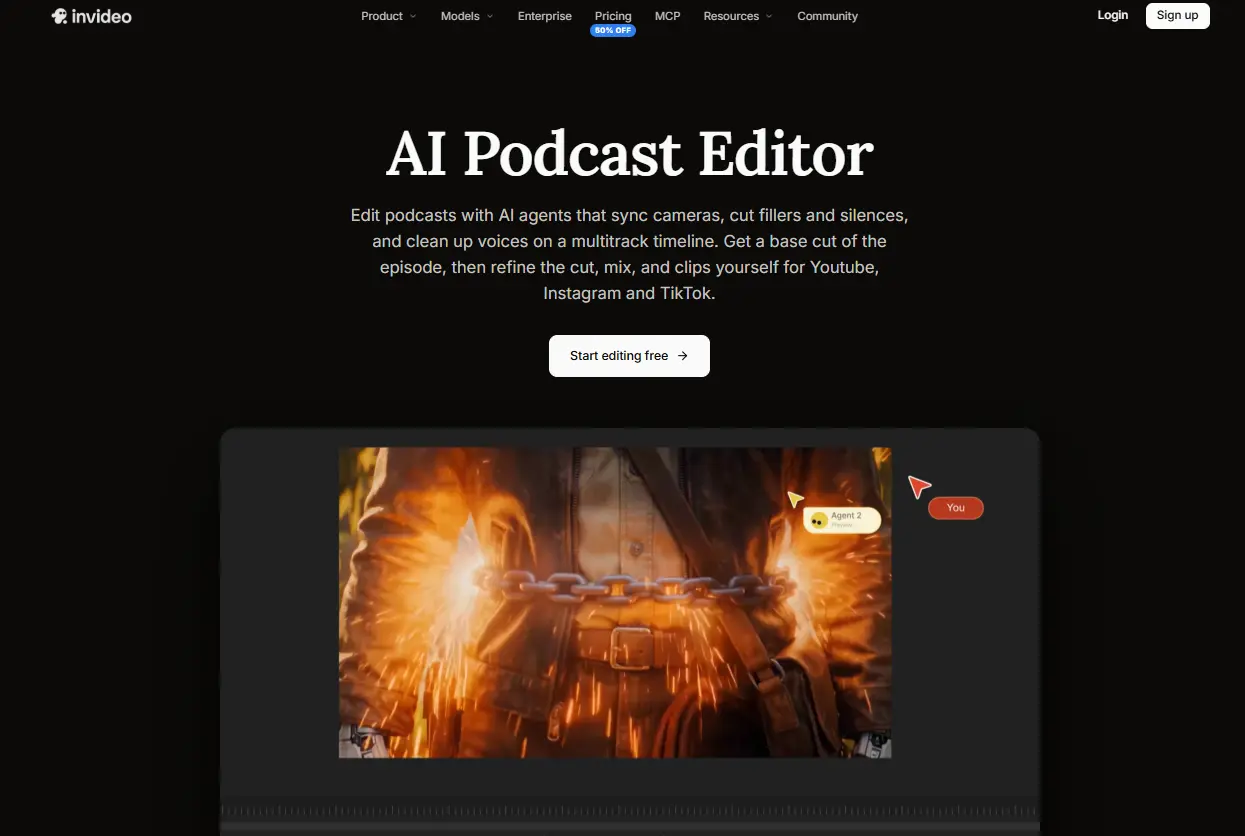
Invideo is a browser-based video editing platform that helps businesses turn raw podcast recordings into polished audio and video episodes. It combines a professional multitrack timeline with AI editing agents that can handle repetitive production tasks.
With invideo's podcast editor, creators can upload recordings from different cameras and microphones. Its AI agents can synchronize camera angles with a selected audio track, switch between speakers, and prepare an editable rough cut based on an episode outline or written instructions.
The platform also supports voice isolation, background noise reduction, automatic volume leveling, music ducking, and audio mixing. Creators can remove filler words, repeated dialogue, and unwanted silences while maintaining the natural flow of the conversation.
For video podcasts, invideo offers editable captions, guest name titles, chapter markers, color grading, keyframe animations, and supporting B-roll. Its AI agents can also create short highlights for YouTube, Instagram, and TikTok or dub episodes into more than 50 languages.
Users can refine every cut on the timeline, collaborate with team members, and collect feedback through review links. The platform also supports invideo MCP and exporting editable projects to compatible professional editing software.
Manual editing is free, while AI agent tasks require credits.
Best for: Small businesses and creators who want AI-assisted podcast editing with detailed timeline control.
2. Riverside
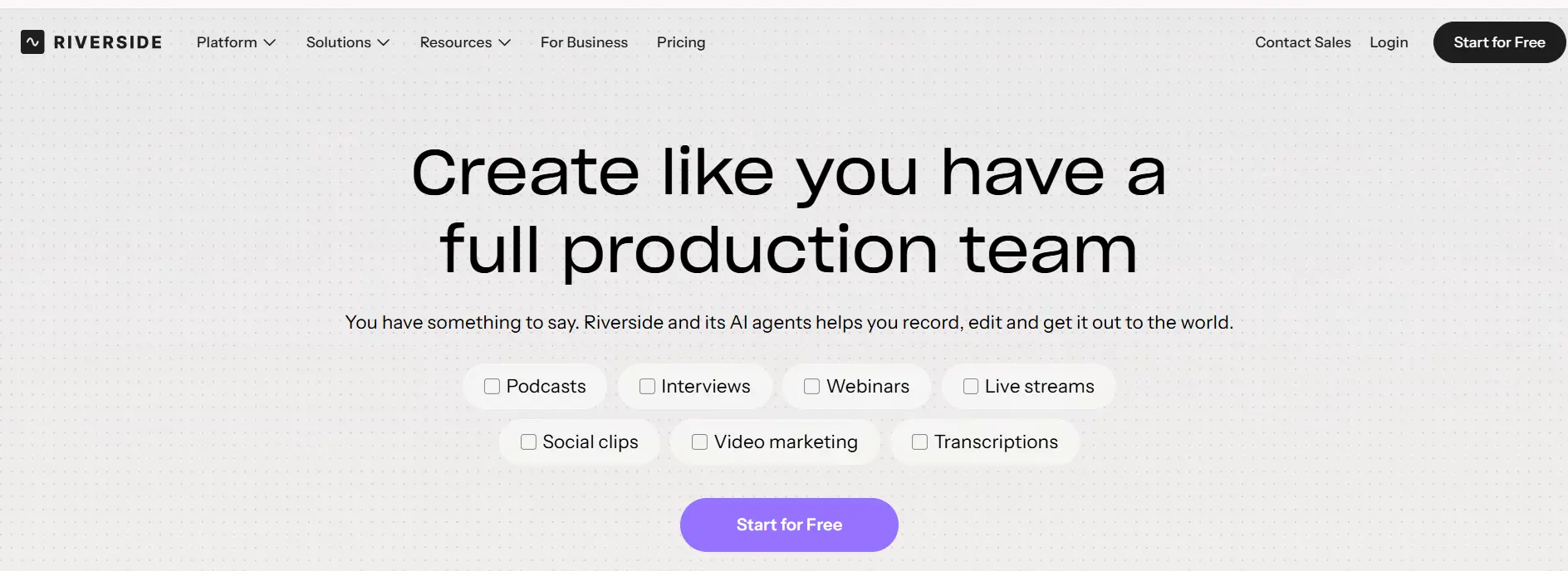
Riverside is an online recording and editing platform designed for podcasts, interviews, webinars, and video conversations.
It allows businesses to record remote participants with separate audio and video tracks. This provides greater control when editing conversations involving several speakers.
Riverside offers transcript-based editing, allowing users to remove unwanted dialogue by deleting words directly from the transcript. Its AI features can also remove filler words, improve audio quality, reduce background noise, and balance volume levels.
Creators can prepare complete episodes, adjust camera layouts, add captions, and include branded backgrounds, logos, and music.
The platform also helps identify interesting moments from longer recordings and turn them into short clips for social media.
Riverside supports automatic transcripts, episode summaries, suggested titles, and show notes, making it easier to prepare content for publication.
These features are particularly useful for businesses that regularly interview customers, employees, or industry experts remotely.
Best for: Businesses recording remote interviews and managing podcast recording and editing in one workspace.
3. Async (Formerly Podcastle)
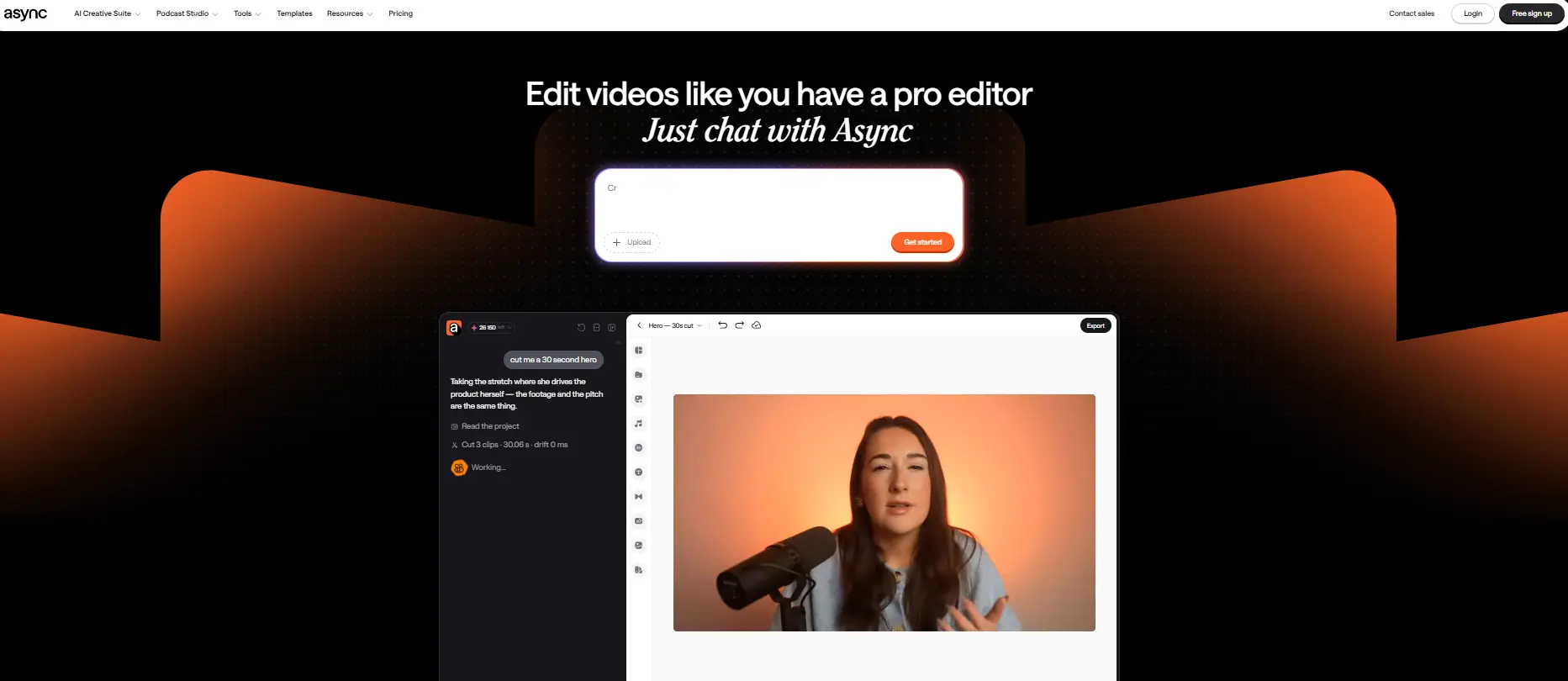
Async is an AI-powered audio and video production platform designed to simplify podcast recording, editing, and publishing.
Formerly known as Podcastle, it provides an online recording studio where creators can record solo episodes or invite remote guests.
Each participant can be recorded on a separate track, helping editors manage audio from different speakers.
Async offers timeline and transcript-based editing. Creators can trim recordings, remove long silences, reduce background noise, and adjust uneven audio levels.
The platform also supports video editing, automatic transcription, audio enhancement, and tools for creating short promotional clips.
Its recording workspace includes features such as a teleprompter and producer controls, which can help businesses prepare more organized recording sessions.
Async also offers podcast hosting and publishing features, including RSS feeds and dedicated podcast pages.
For small businesses, the platform provides an accessible way to manage recording, audio improvements, editing, and publishing without switching between several applications.
Best for: Independent podcasters and small businesses that want recording, AI audio cleanup, and podcast publishing in one platform.
Tips for Getting Better Results From AI Podcast Tools
Focus on Useful Conversations
A successful podcast begins with relevant topics and engaging discussions.
AI can improve recording quality, but it cannot replace thoughtful questions and valuable information.
Review AI-Generated Changes
Automatic editing may occasionally remove important pauses or misunderstand spoken words.
Review the finished episode to make sure the conversation still sounds natural.
Maintain Consistent Branding
Use recognizable introductions, music, captions, and visual styles.
This helps audiences identify your podcast across different platforms.
Repurpose Important Moments
Turn helpful answers and memorable discussions into short promotional clips.
Businesses can also explore Hooks Tech's guide on PPC marketing for small businesses when planning paid campaigns to promote their content.
Common Challenges With AI Podcast Editing
AI tools may occasionally create inaccurate transcripts, remove meaningful pauses, or struggle with overlapping conversations.
Poor original recordings can also limit how much audio cleanup improves the final result.
Businesses should check captions, sound quality, camera transitions, and factual accuracy before publishing.
Guest permission and responsible handling of recorded conversations are equally important.
Conclusion
AI is making podcast production easier for small businesses by simplifying audio cleanup, video editing, and content repurposing.
Instead of spending hours on repetitive production tasks, creators can focus on sharing useful knowledge and building relationships with their audiences.
Tools such as invideo, Riverside, and Async support different stages of production. With clear planning and careful editing, businesses can create professional podcast content without needing a large production team.
Looking to build an authoritative, high-converting digital presence? As a dedicated Digital Marketing Company in Madurai serving ambitious brands across Tamil Nadu and India, Hooks Tech blends strategic SEO, paid performance advertising, and modern web engineering to drive measurable business growth.
Frequently Asked Questions
Stay Updated
Get the latest AI marketing playbooks and digital growth insights delivered to your inbox.
Related Playbooks
Scale Your Business
Looking to modernize your marketing funnels with AI, SEO, and paid performance?
Get Free Strategy Call