The experience of running a website seems easy at first, and it only takes a few months to see the slowdown of pages, the failure of plugins, the increase of ad costs, and the drop in search rankings. This is the common experience of most businesses because they do not understand what website maintenance entails.
The positive aspect of website maintenance is that it does not have to be complex and costly. Using the correct methods, you can ensure your website runs smoothly and quickly, remains secure and is prepared at all times to generate conversions. This guide will orient you on how to maintain your website, what type of updates will be needed and when it will be appropriate to hire outside help for your website maintenance.
What is Website Maintenance?
Website maintenance is the process of checking and updating your website on a regular basis to ensure that it just keeps on working as it should.
A maintained website:
- Loads faster
- Stays secure
- Ranks better on Google
- Converts more visitors into leads or sales
Website maintenance is not a one-time task. It is an ongoing process that ensures your online presence is always reliable.
Website Updates and Maintenance: What Needs Attention?
Most business owners think that website updates are only concerned with updating text or images. However, website updates and maintenance are much more than that.
Core Maintenance Areas
- CMS updates (WordPress or other platforms)
- Plugin and theme updates
- Speed optimization
- Security patches
- Content updates
- Broken link checks
- Mobile usability fixes
How Is a Website Maintained? (Step-by-Step Process)
Here's a practical breakdown that works for most business websites.
Step 1: Back Up Your Website
Before touching anything, backups matter. If an update breaks the site, backups save hours of panic.
Best practice:
- Daily backups for active websites
- Weekly backups for small brochure sites
Step 2: Update Core Software and Plugins
Outdated software causes security gaps and performance issues.
Common question: How often should I update my website's core software and plugins?
- Minor updates: once a week
- Major updates: monthly (after testing)
Ignoring updates is one of the top reasons websites get hacked.
Step 3: Check Website Speed and Performance
A slow website hurts SEO rankings, user trust, and paid ad performance.
Run speed tests regularly and fix:
- Large images
- Unused scripts
- Poor hosting setups
If you're spending money on ads, slow pages directly increase cost per click.
Step 4: Review Content and SEO
Search engines reward websites that stay fresh.
Tasks to include:
- Update old blog posts
- Fix broken internal links
- Improve meta titles and descriptions
- Add new FAQs based on real user questions
Many companies use this together with marketing automation to ensure that the updates of the content are consistent without human intervention.
Step 5: Security and Uptime Monitoring
Security isn't optional anymore. Regular checks should include:
- Malware scans
- SSL certificate status
- Login activity monitoring
- Firewall rules
Downtime or hacked pages instantly damage trust and rankings.
Website Design and Maintenance: Why Both Matter Together
Good design brings users in. Maintenance keeps them there. A well-designed website still fails if buttons stop working, forms break, or pages load slowly on mobile.
That's why businesses working with a web development company in Madurai often bundle website design and maintenance together. Development handles structure and features, while maintenance keeps everything stable and updated.
Web Maintenance vs Web Development Services
| Area | Web Maintenance | Web Development |
|---|---|---|
| Focus | Updates, fixes, monitoring | Building and upgrading features |
| Frequency | Ongoing | Project-based |
| Cost | Lower monthly | Higher one-time |
| Risk | Prevents breakdowns | Adds functionality |
Best approach: Maintenance keeps your site healthy. Development helps it grow.
Website Maintenance and Paid Advertising: The Hidden Connection
Many businesses run ads without fixing their websites first. That's where money leaks happen.
Poor maintenance leads to:
- Higher bounce rates
- Lower Quality Scores
- Wasted ad spend
Businesses running Pay Per Click Advertising see better results when landing pages are fast, updated, and optimized. Website maintenance quietly improves ad performance without increasing ad budgets.
When Do You Need Web Maintenance Services?
You should consider web maintenance services if:
- Updates feel risky or confusing
- Security issues keep appearing
- Website speed keeps dropping
- Ads and SEO don't convert well
Outsourcing saves time and prevents costly mistakes, especially for growing businesses.
Real-World Example (Experience-Based Insight)
One small service business delayed plugin updates for six months. The site didn't crash but page speed dropped, contact forms failed silently, and leads slowed down. After routine maintenance and performance fixes, inquiries increased within weeks without changing traffic sources.
Maintenance didn't bring traffic. It stopped losing it.
Conclusion: Keep Your Website Working for You
Website maintenance isn't about ticking boxes. It's about keeping your site ready for visitors, search engines, and paid traffic.
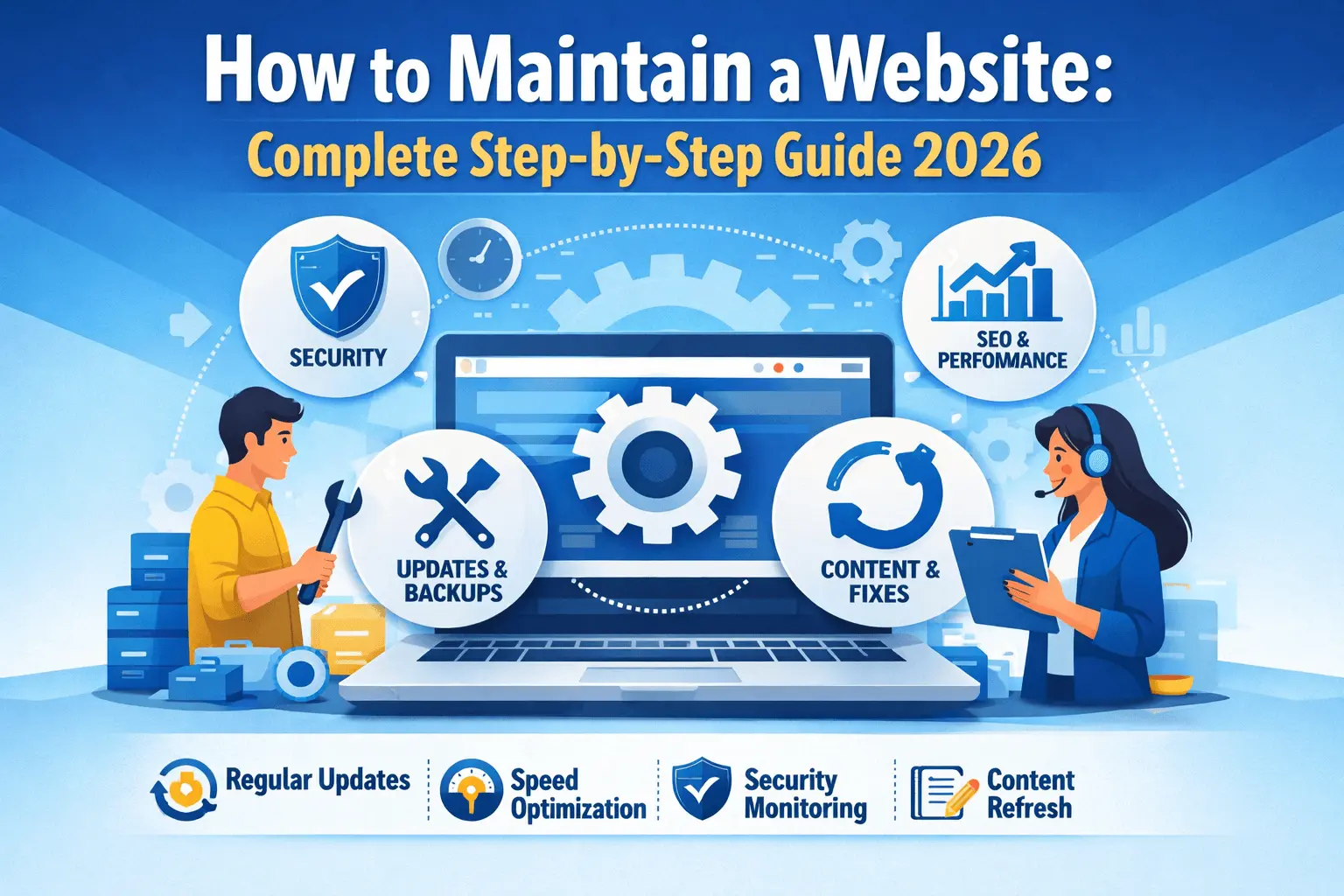
A simple routine covers regular updates, speed checks, security monitoring, and content refreshes. If your website supports business growth, treating maintenance as ongoing work-not a one-time task-makes all the difference.
Frequently Asked Questions

Written by Hooks Tech Team
Digital Marketing Experts in Madurai
Hooks Tech is a leading digital marketing agency helping businesses in Tamil Nadu grow through data-driven strategies and creative innovation.
Stay Updated
Get the latest SEO tips and digital marketing insights delivered to your inbox.
Grow Your Business
Need help maintaining your website? Our experts are here to assist you.
Get Free Audit